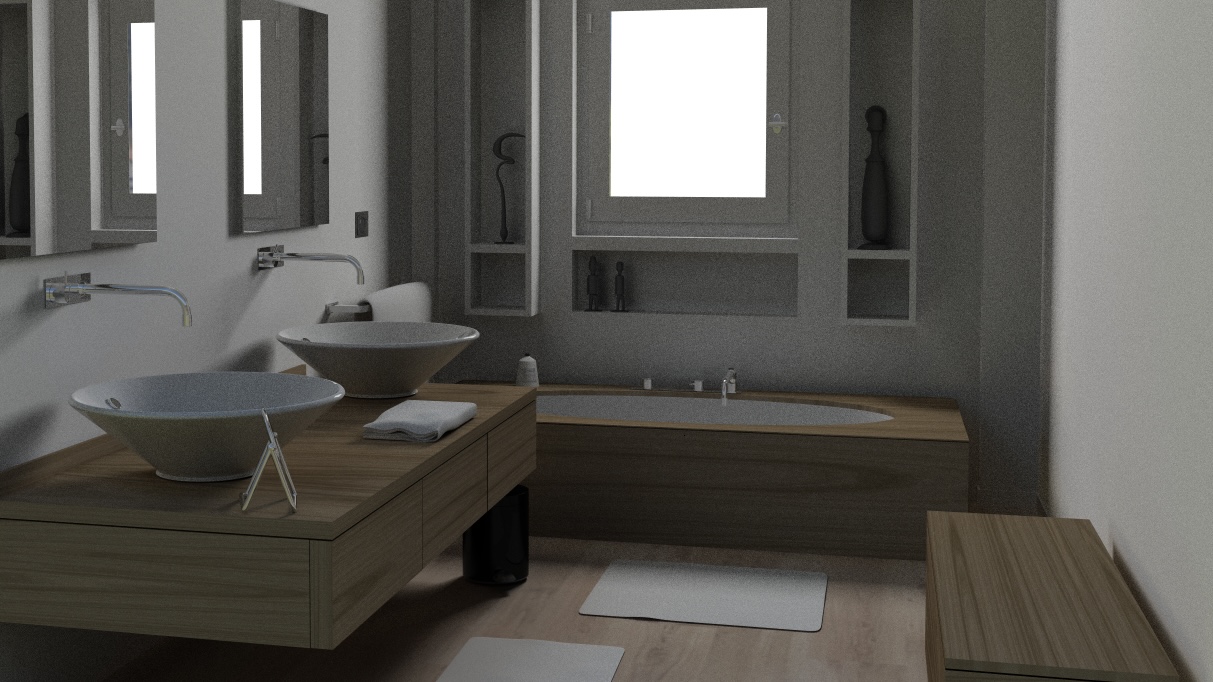
An Interactive Path Tracing Renderer Based on Optix
Date: June, 2024
GitHub: Project Repository
Introduction Video
Project Description
English
Development Environment
OptiX 7
CUDA 12
Visual Studio 2022
Project Structure
LauchParams.h — Buffer structures
Material_def.h — Material structures
MyInteraction.h — Intersection structures
Model.h — Model loading
MyMaterial.h — BSDF functions
MyTools.h — Utility functions
PostProcess.h — Screen-space post-processing
SampleRenderer.h — Renderer architecture
deviceProgram.cu — Shader code
MyShader.c — Compiled shader machine code stored as a char[] array
Features
GPU acceleration
Monte Carlo path tracing
PBR materials
Direct light sampling
Temporal denoising
Environment mapping
Texture mapping
Normal interpolation
Screen-space post-processing
Implementation Details
GPU Acceleration
GPU acceleration mainly uses the OptiX API, with code based on Ingo Wald's OptiX 7 course.
Monte Carlo Path Tracing
Uses a conventional Monte Carlo algorithm.
spp = 1
maxbounce = 24
PBR Materials
Three BSDF functions are used: diffuse, specular, and dielectric. The probability of selecting each BSDF is calculated from the material's metallic and transmission parameters (Tf[0] in the MTL format, where 0 means no transmission and 1 means full transmission). See the cal_bsdf function in MyMaterial.h for details.
Diffuse BSDF
Sampling: Uniform hemisphere sampling.
BSDF formula:

Specular BSDF
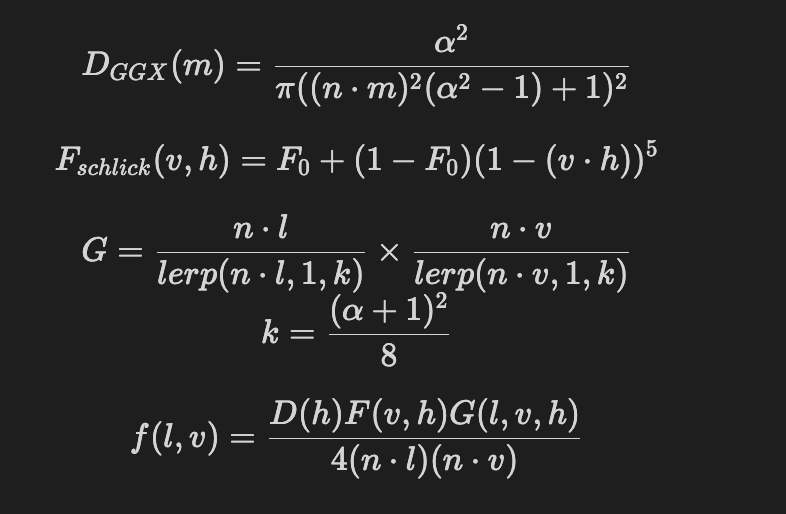
Sampling: Approximate BSDF sampling by interpolating between the perfect reflection direction and a randomly sampled hemisphere direction according to roughness.
BSDF formula:
Dielectric BSDF
Sampling: Interpolate between the perfect refraction direction and a randomly sampled hemisphere direction according to roughness.
Total internal reflection and the Fresnel effect: When a ray travels from a medium into air, check for total internal reflection. At each bounce, use the Fresnel coefficient to calculate the probabilities of refraction and reflection.
Direct Light Sampling
To address the difficulty of sampling light sources in enclosed scenes, direct light sampling is additionally applied to diffuse materials. When a ray intersects a diffuse surface, a random point is selected on an area light and a shadow ray is cast toward it to sample the light.
Temporal Denoising
A buffer stores the average color for each pixel. When the camera view changes, the buffer is cleared and the colors are recalculated.
Environment Mapping
Load an HDR environment texture and convert it to RGB space.
Screen-Space Post-Processing
Process the buffer containing each pixel's color: convert to HSV space, adjust brightness, saturation, and contrast, then convert back to RGB space.
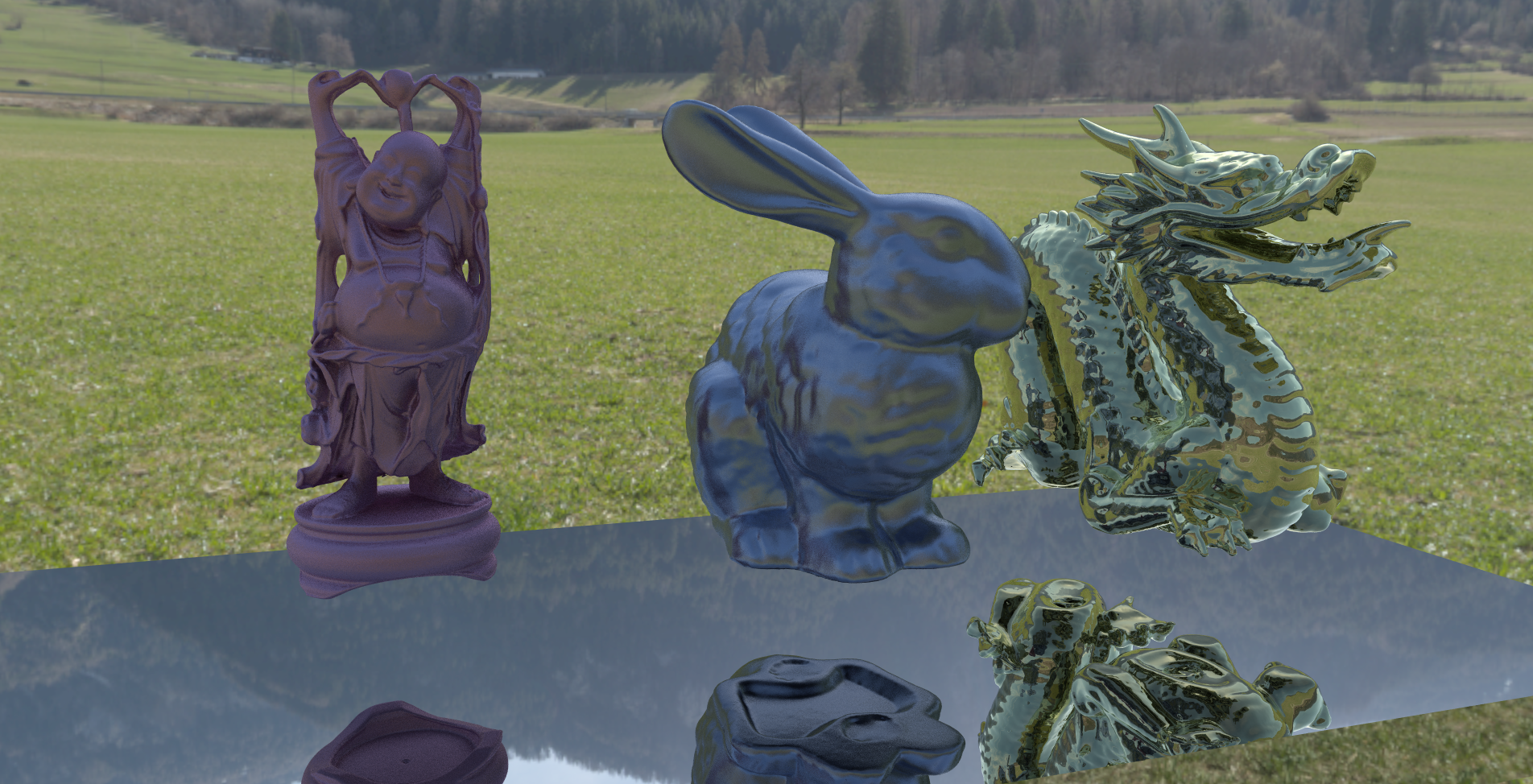
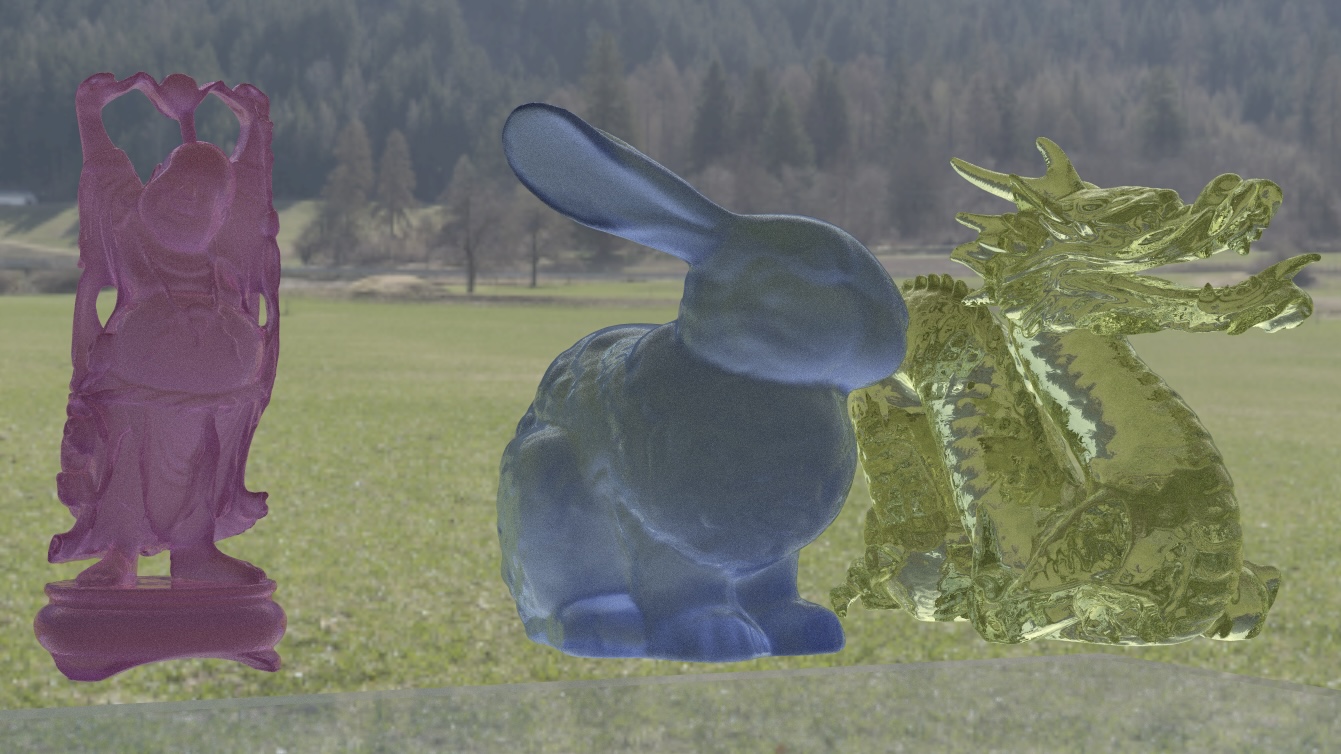
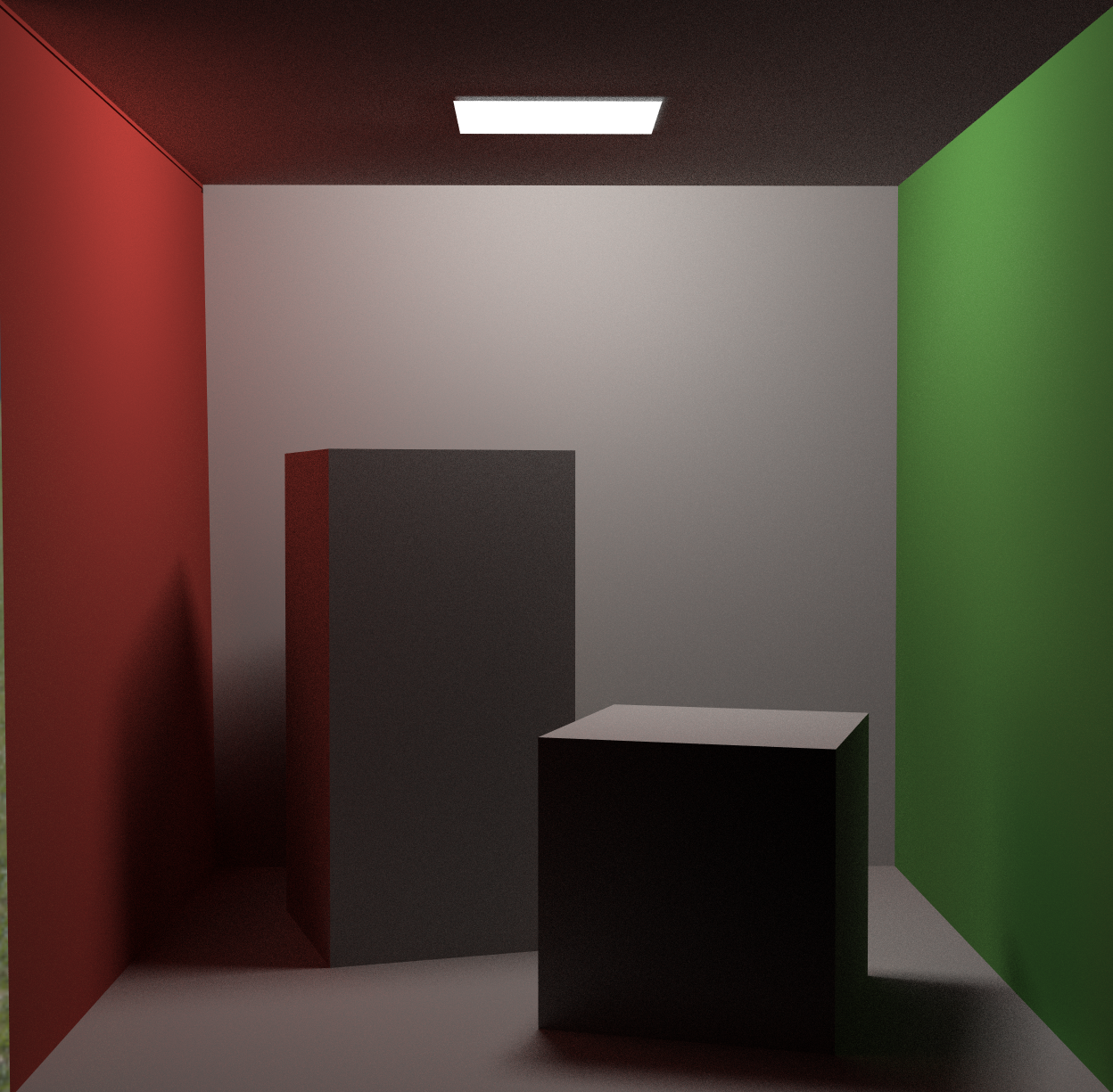
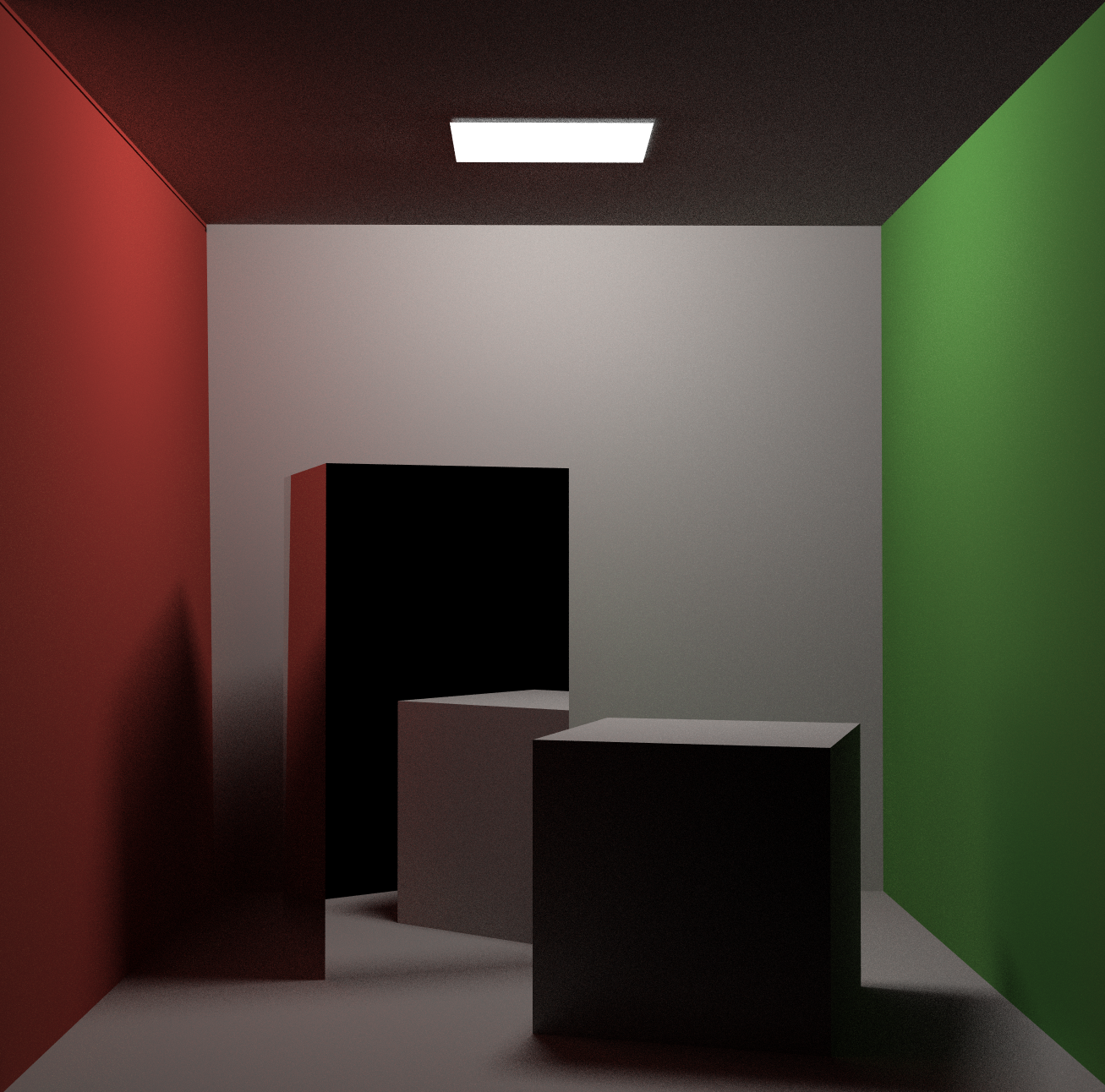
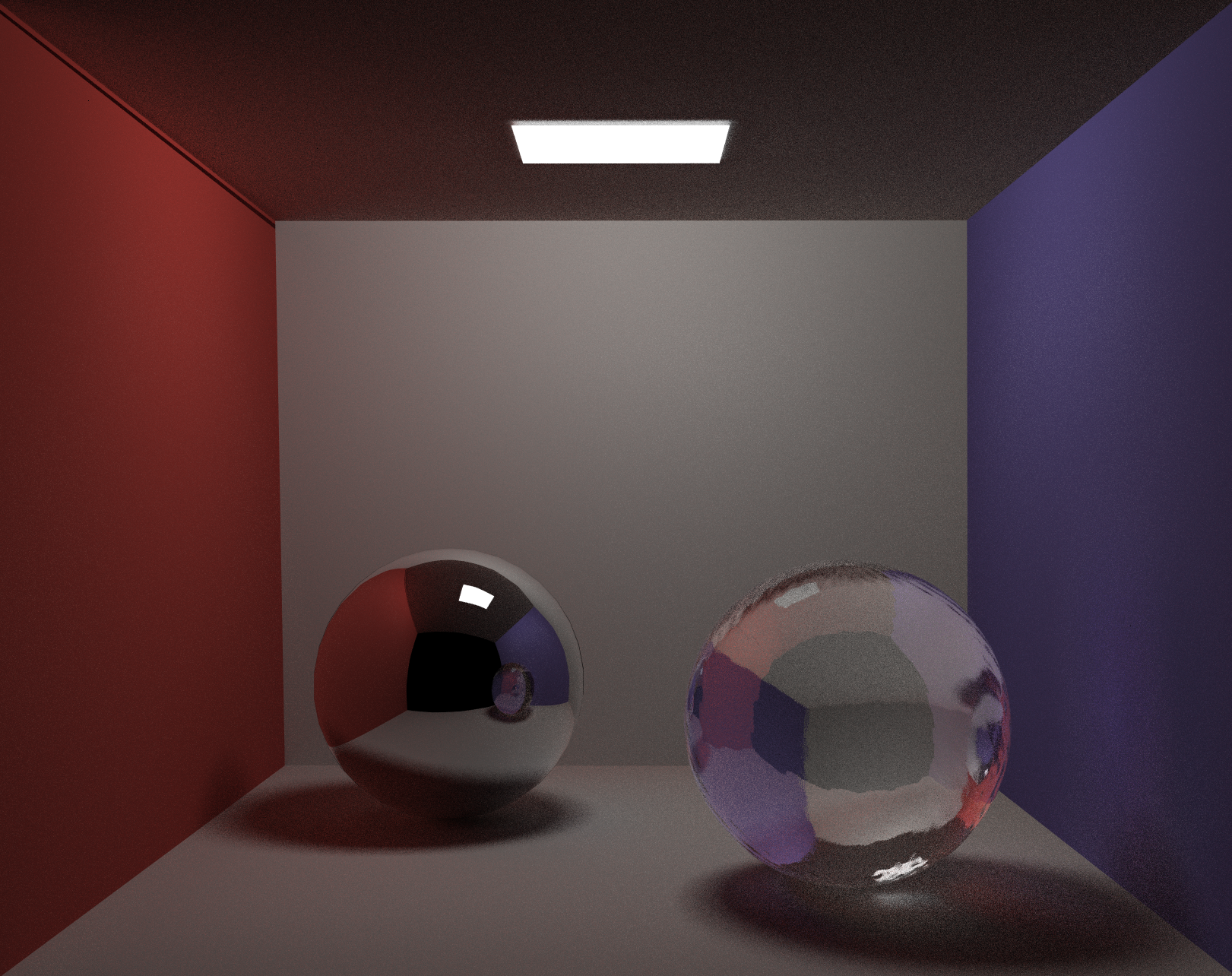
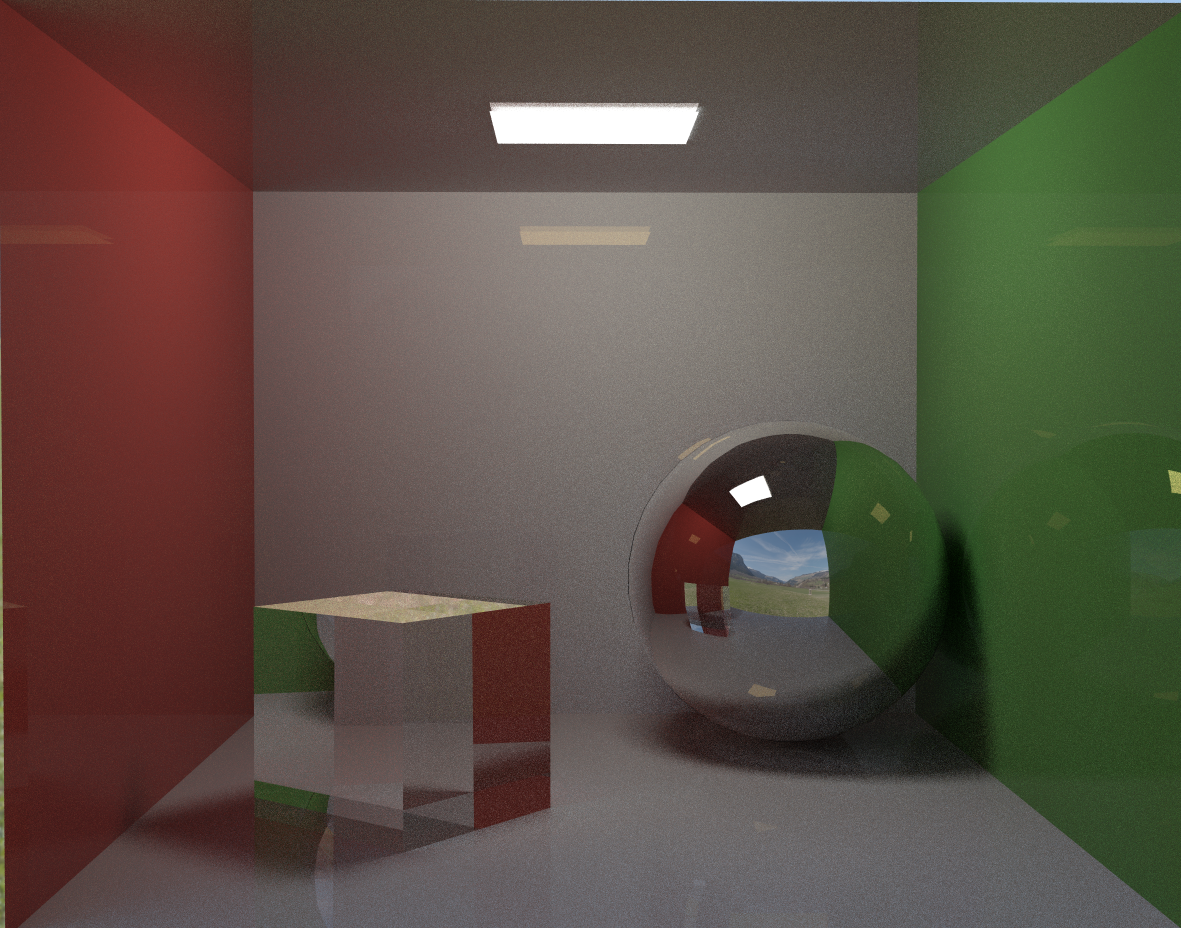
Rendering Results
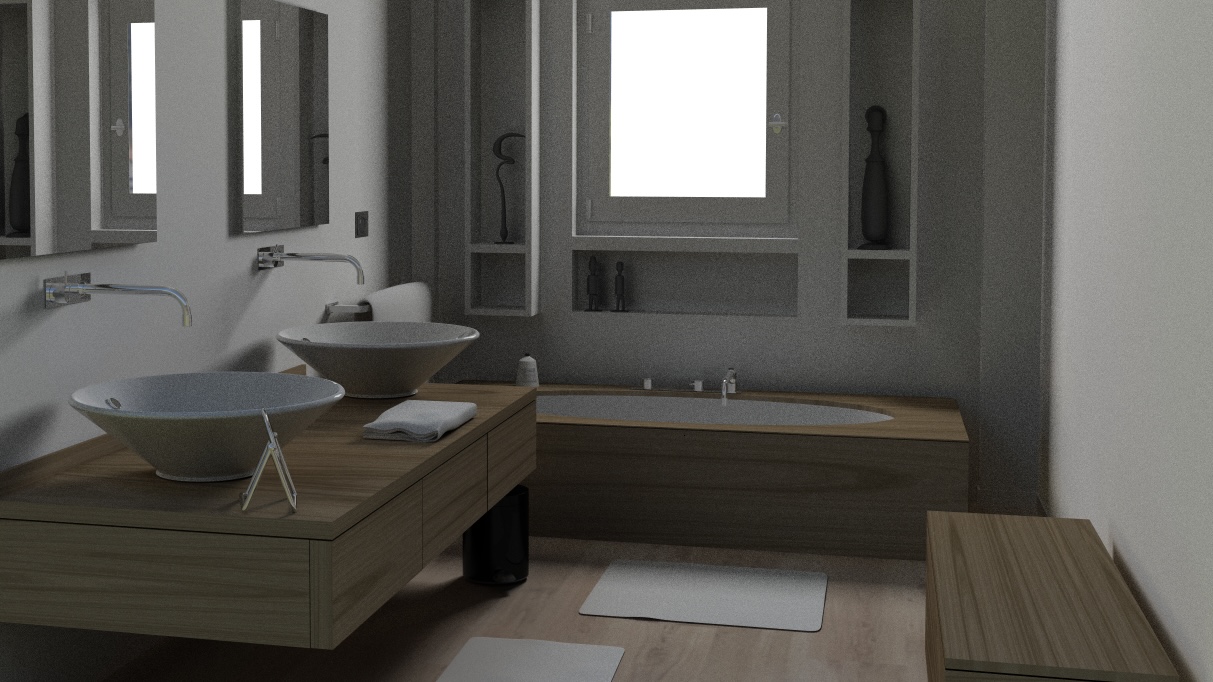
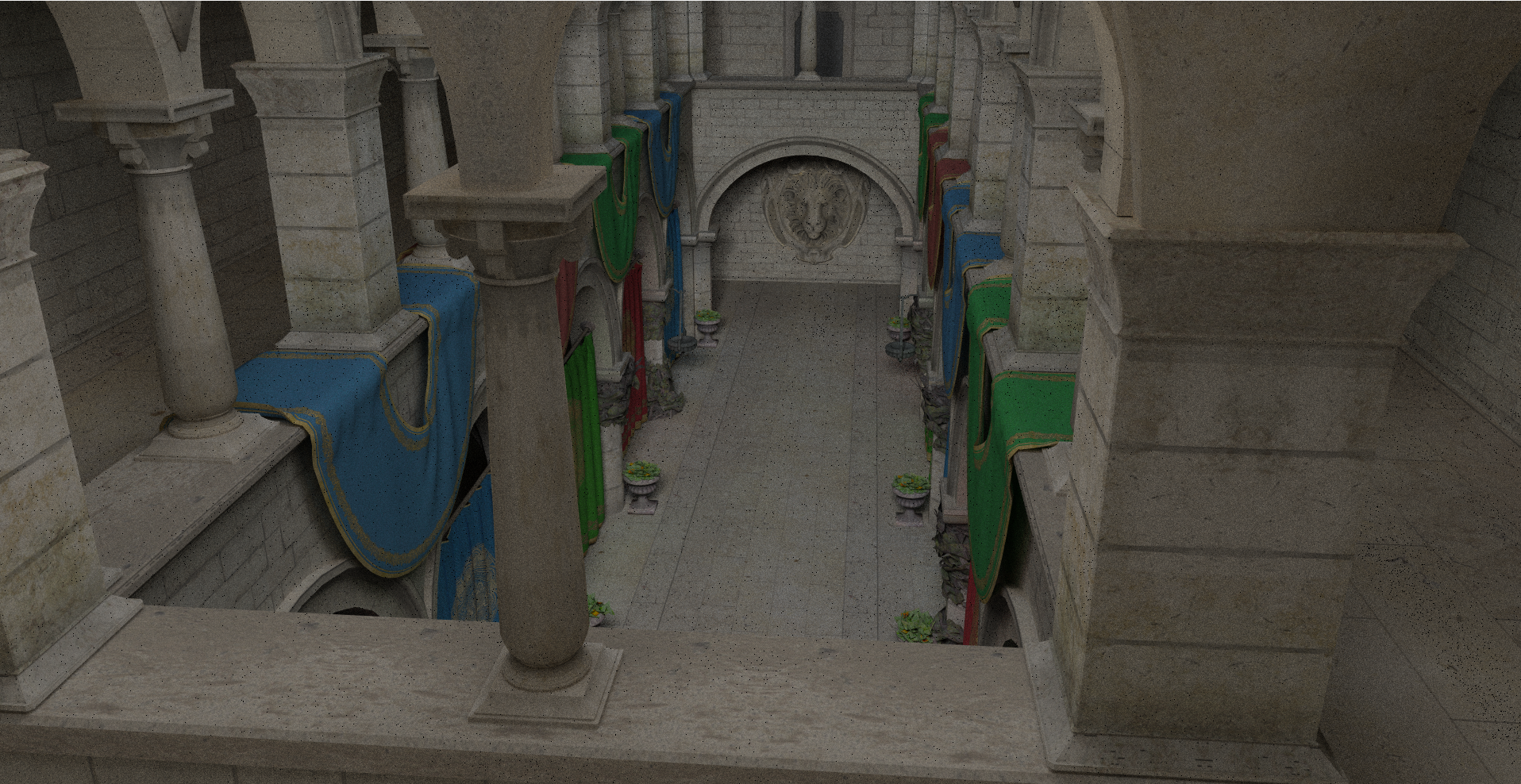
简体中文
项目环境
OptiX 7
CUDA 12
Visual Studio 2022
项目结构
LauchParams.h 缓冲区结构体
Material_def.h 材质结构体
MyInteraction.h 求交结构体
Model.h 模型加载
MyMaterial.h bsdf函数
MyTools.h 工具函数
PostProcess.h 屏幕空间后处理
SampleRenderer.h 渲染器架构
deviceProgram.cu 着色器代码
MyShader.c char[]格式着色器机器码
实现功能
GPU加速
蒙特卡洛路径追踪
PBR材质
直接光采样
时域降噪
环境光贴图
纹理贴图
法向插值
屏幕空间后处理
实现细节
GPU加速
基本只是调用OptiX API,代码参考了 Ingo Wald 的 OptiX 7 课程
蒙特卡洛路径追踪
使用最传统的蒙特卡洛算法
spp = 1
maxbounce = 24
PBR材质
分为diffuse、specular、dielectric三种bsdf函数,通过材质的metallic和transmission参数(mtl格式中的Tf[0],0表示完全不透射,1表示完全透射)计算选择每一种bsdf函数的概率,详见MyMaterial.h中的cal_bsdf函数
diffuse bsdf:
采样:均匀在半球采样
bsdf计算公式:
specular bsdf:
采样:一种近似的bsdf采样,根据roughness对完美反射向量和随机在半球采样得到的向量进行插值
bsdf计算公式:
dielectric bsdf:
采样:根据roughness对完美折射向量和随机在半球采样得到的向量进行插值
全反射和菲涅尔现象:从介质射入空气时,考虑是否发生全反射,同时每次光线弹射时,根据菲涅尔系数计算发生折射与反射的概率
直接光采样
为解决封闭场景中难以采样光源的问题,对diffuse材质额外采用直接光采样。 光线与模型相交后,如果是diffuse材质,则从面光源上随机选一点发射一条shadowray对光源进行采样
时域降噪
给每个像素一个buffer储存平均颜色信息,当视角改变后清空buffer重新计算
环境光贴图
读取hdr格式环境光纹理,转换到rgb空间
屏幕空间后处理
对储存每个像素颜色信息的buffer进行操作,转换到hsv空间调整亮度、饱和度、对比度再转换回rgb空间
效果展示